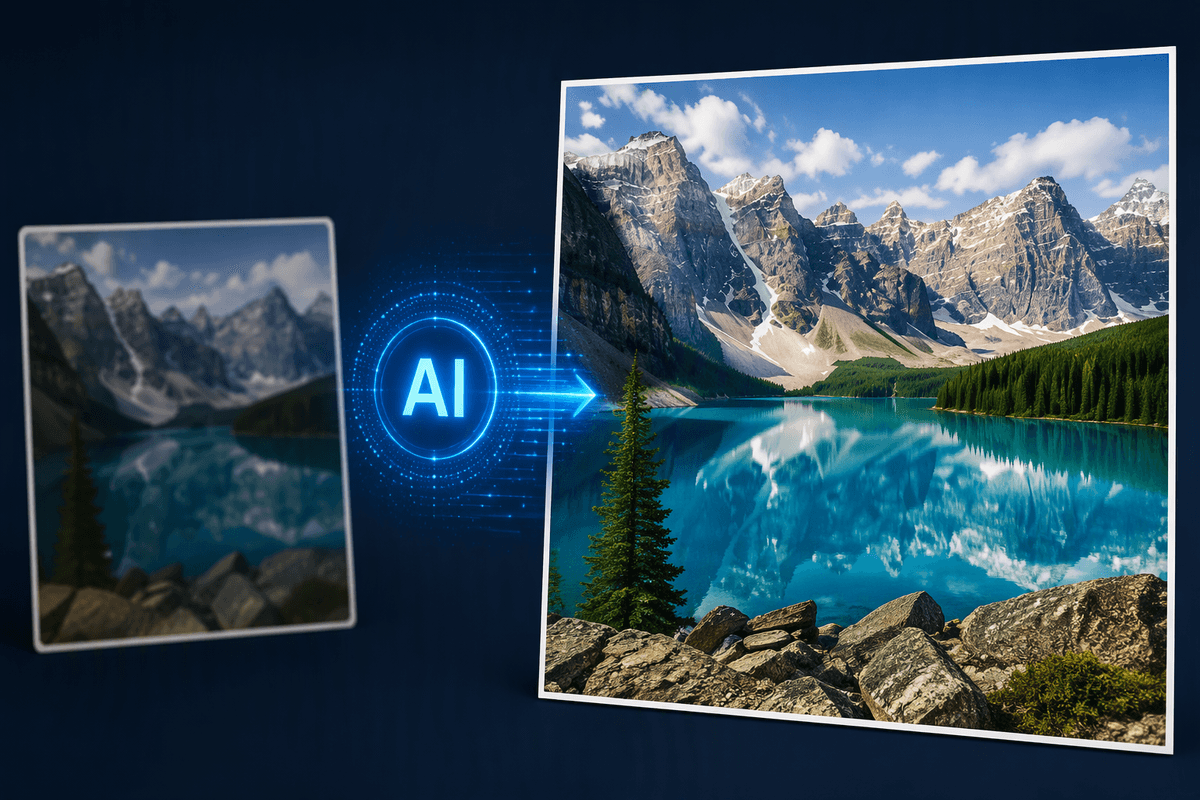
Why AI Image Enhancement Is Suddenly Everywhere
A slightly blurry product photo, a dim phone snapshot, or a small image pulled from a website used to mean starting over. Now, AI enhancement tools can sharpen edges, reduce noise, improve lighting, enlarge images, and sometimes rebuild missing detail in seconds. That convenience explains their rapid spread across social media, online shops, advertising, and everyday creative work. The technology has become accessible enough for people without editing experience to produce images that look more polished.
However, speed does not guarantee accuracy. One tool may preserve a realistic face while another smooths it into plastic-looking skin; an upscaler may clarify a logo but invent details in fabric or hair. Results also depend on the original image, the chosen settings, and how much correction is applied. Understanding those differences matters more than choosing the most heavily marketed tool.
Start With the Image Problem, Not the Tool
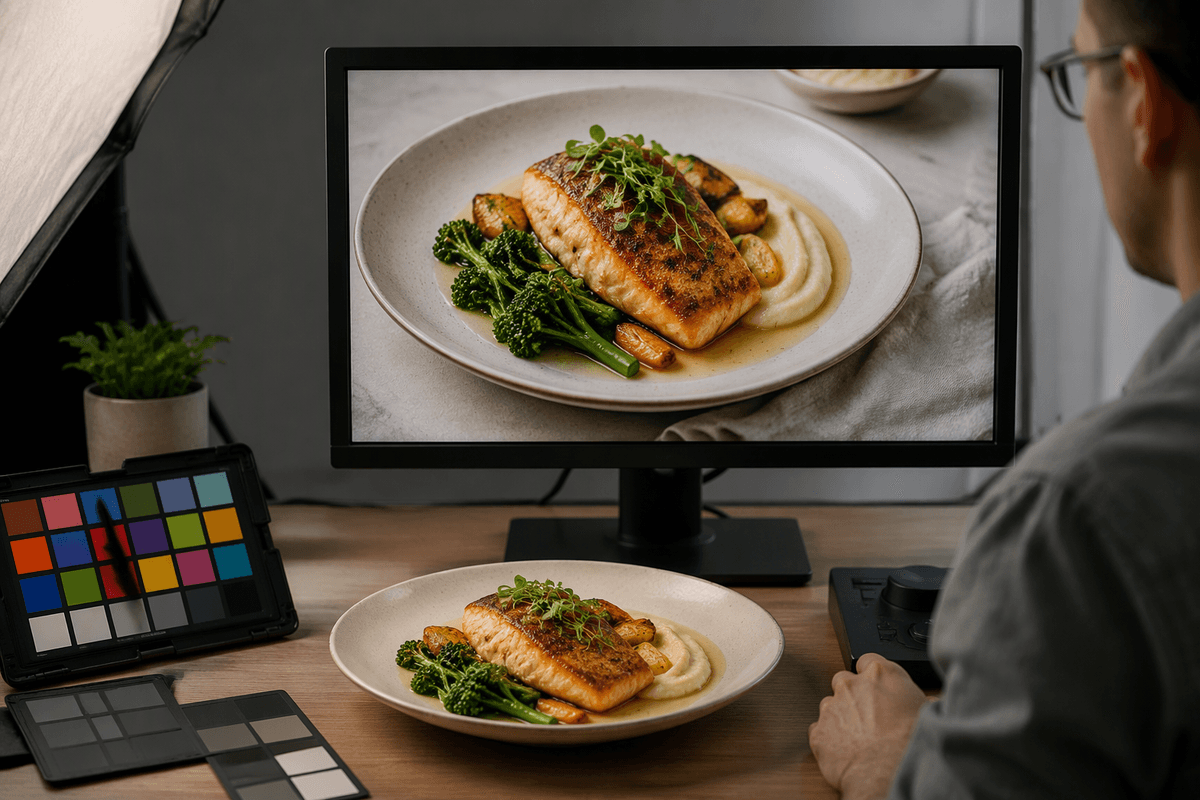
The most useful question is not which AI image tool is best, but what is wrong with the image in front of you. A tiny product photo has an enlargement problem. A night-time snapshot may need noise reduction and brighter shadows. A portrait with soft focus calls for sharpening, while an image with an unwanted object may require generative editing rather than enhancement. These problems can look similar at first, but they require different types of processing.
Start by identifying the image’s purpose and its most distracting weakness. If a restaurant needs a menu photo for an online listing, accurate colors and readable details matter more than dramatic sharpness. If a marketer is preparing a social post, cropping, background cleanup, and consistent lighting may matter more than recovering every pixel. This diagnosis also sets a sensible limit: AI cannot reliably restore detail that was never captured, and aggressive correction can create halos, strange textures, or altered facial features. Choose the simplest tool that addresses the main defect, then inspect the result at its intended size before applying additional effects.
When Upscaling Makes Small Images Usable
A small image is not automatically a bad image. If the subject is clear but the file looks soft when enlarged, AI upscaling can make it usable for a product page, flyer, presentation, or social post. The process increases the pixel dimensions while estimating sharper edges and more convincing textures. It works best when the original image has reasonable focus, consistent lighting, and recognizable details. A low-resolution product label, simple logo, or head-and-shoulders portrait usually gives the tool useful patterns to preserve.
Upscaling can produce plausible detail rather than recovered detail. Hair may become overly uniform, lettering can change shape, and skin may look unnaturally smooth. For that reason, compare the enlarged version with the source at 100 percent and check important areas such as eyes, hands, logos, and text. Moderate enlargement, such as two or four times the original size, is often safer than forcing a tiny file to become poster-sized. If the image is severely blurred or compressed, find a better source first; enhancement cannot consistently reconstruct information that the camera or download never captured.
Cleaning Up Noise, Blur, and Poor Lighting
A dim phone photo often looks worse because brightening reveals the grain, color speckles, and soft edges already hiding in the shadows. AI noise reduction can smooth those defects while preserving larger shapes, making food, products, or people easier to recognize. Blur correction works differently: it tries to strengthen edges and infer what a sharper version might have looked like. These tools are most helpful for mild camera shake, slight missed focus, or low-light softness, not for faces that are completely indistinct.
Lighting correction should be applied with restraint. Raising shadows can reveal useful detail, but excessive brightening may flatten contrast and make the image look washed out. Noise reduction can also remove natural skin texture, fabric detail, or small lettering, while sharpening may create bright outlines around objects. Compare the enhanced image with the original and inspect it at normal viewing size, not only in a dramatic close-up. For important photos, make separate adjustments when possible: reduce noise first, correct exposure second, and sharpen last. This order usually produces a more natural result, although heavily damaged images may still need a better source or manual editing.
Generative Editing Changes What the Image Shows

Sometimes the problem is not that an image looks weak, but that it contains the wrong thing. Generative editing can remove a distracting sign, replace a plain background, extend the edges of a cropped photo, or add an object that was never captured. This makes it useful for marketing images, social posts, and product scenes where composition matters as much as clarity. Unlike sharpening or upscaling, it changes the image’s content, so the result should be judged for plausibility as well as visual quality.
The safest edits are specific and limited. Removing a stray cable from a room photo is generally easier to control than asking an AI tool to redesign the entire setting. Generated replacements may contain warped text, inconsistent shadows, incorrect reflections, or details that conflict with the original perspective. Product images require extra care because an altered shape, color, label, or feature can misrepresent what is being sold. Keep the original file, compare several variations, and inspect the edit at normal viewing size. For commercial or factual images, disclose substantial changes when they could affect how viewers interpret the scene.
Choosing the Right AI Tool for Your Workflow
The right tool depends less on its feature list than on the job you repeat most often. A small-business owner preparing product photos may benefit from an upscaler with careful texture and text preservation. Someone cleaning phone snapshots needs reliable noise reduction, exposure correction, and face handling. A marketer creating campaign variations may prefer a tool with background removal and generative editing, while a creator working across many images may value batch processing and consistent settings more than one-click effects.
Compare tools using the same few images rather than relying on promotional examples. Check whether the free version limits resolution, adds watermarks, or compresses downloads, and review how the service handles uploaded images if client or customer material is involved. The browser-based tools may require subscriptions, large files can take time to process, and automatic corrections may produce inconsistent results across a batch. Start with a tool that solves your main problem, offers enough control to reduce obvious artifacts, and lets you export at the quality your workflow requires. A focused tool used carefully will usually outperform a feature-heavy platform applied without a clear purpose.
Better Results Come From Smaller Edits
Once the main defect is fixed, further enhancement often makes the image worse rather than better. A second sharpening pass can create halos, heavy noise reduction can erase texture, and repeated generative edits may change shapes or colors that were originally correct. Make one adjustment at a time, compare it with the source, and stop when the image looks natural at its intended size. Saving an intermediate version also makes it easier to reverse a change instead of rebuilding the image from scratch.
The most reliable workflow is modest: diagnose the problem, use the narrowest tool that addresses it, and inspect important details before exporting. AI can improve a weak image, but restraint is what keeps the result believable.